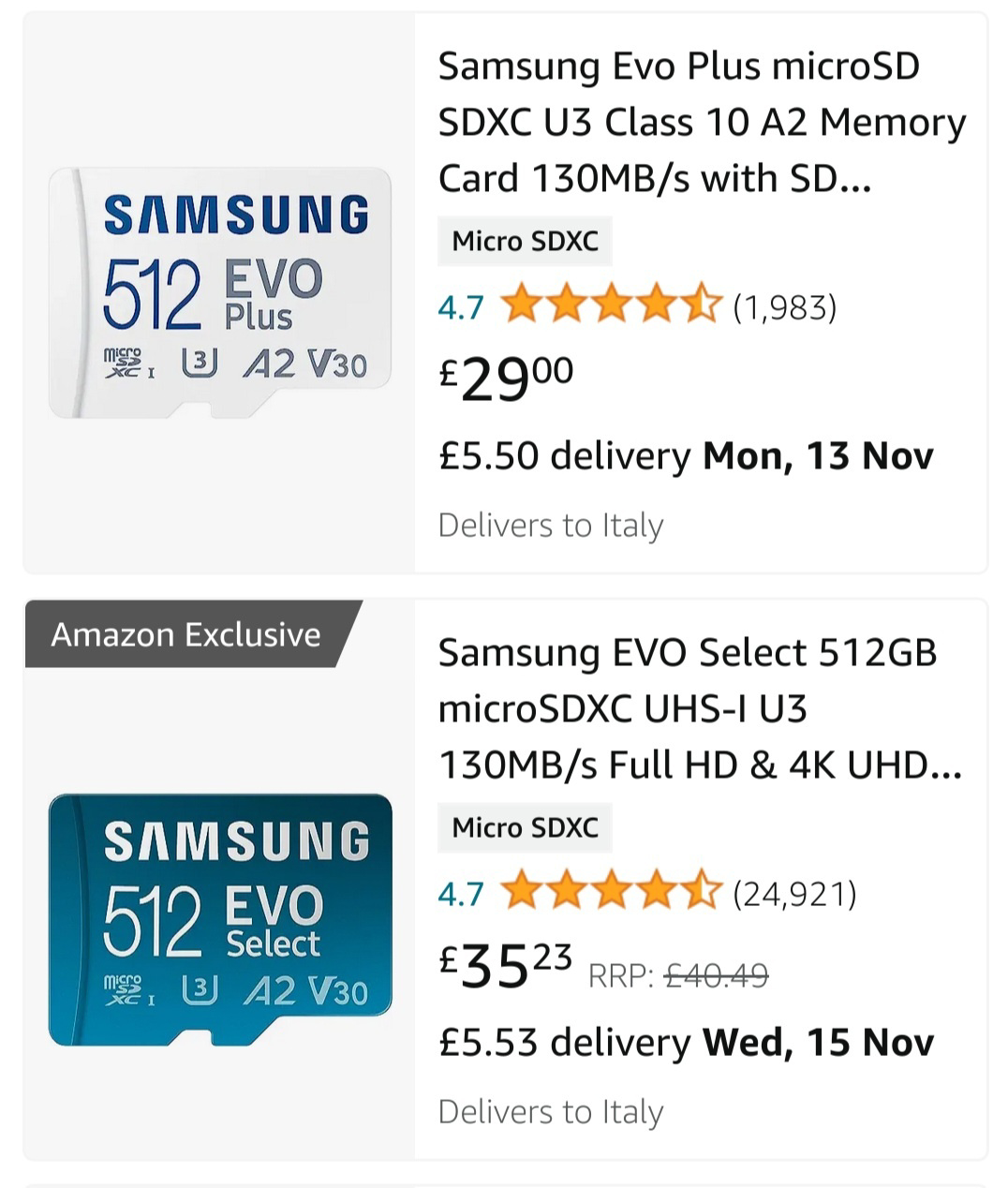
Also anyone can tell me the difference in performance between the white one and the blue one??
A place to discuss and support all Steam Hardware, including Steam Deck, Steam Machine, Steam Frame, and SteamOS in general.
As Lemmy doesn't have flairs yet, you can use these prefixes to indicate what type of post you have made, eg:
[Flair] My post title
The following is a list of suggested flairs:
[Deck] - Steam Deck related.
[Machine] - Steam Machine related.
[Frame] - Steam Frame related.
[Discussion] - General discussion.
[Help] - A request for help or support.
[News] - News about the deck.
[PSA] - Sharing important information.
[Game] - News / info about a game on the deck.
[Update] - An update to a previous post.
[Meta] - Discussion about this community.
If your post is only relevant to one hardware device (Deck/Machine/Frame/etc) please specify which one as part of the title or by using a device flair.
These are not enforced, but they are encouraged.
Rules:
Also anyone can tell me the difference in performance between the white one and the blue one??
The
dfcommand only shows mounted devices and filesystems. You can uselsblkto show all block devices and their partitions. To format it more nicely to show the labels for each partition, you can use these options:lsblk -o name,mountpoint,partlabel,size.This is the output from my deck without the microsd card: