this post was submitted on 14 Feb 2025
30 points (96.9% liked)
Steam Hardware
21691 readers
88 users here now
A place to discuss and support all Steam Hardware, including Steam Deck, Steam Machine, Steam Frame, and SteamOS in general.
As Lemmy doesn't have flairs yet, you can use these prefixes to indicate what type of post you have made, eg:
[Flair] My post title
The following is a list of suggested flairs:
[Deck] - Steam Deck related.
[Machine] - Steam Machine related.
[Frame] - Steam Frame related.
[Discussion] - General discussion.
[Help] - A request for help or support.
[News] - News about the deck.
[PSA] - Sharing important information.
[Game] - News / info about a game on the deck.
[Update] - An update to a previous post.
[Meta] - Discussion about this community.
If your post is only relevant to one hardware device (Deck/Machine/Frame/etc) please specify which one as part of the title or by using a device flair.
These are not enforced, but they are encouraged.
Rules:
- Follow the rules of Sopuli
- Posts must be related to Steam Hardware or Steam OS in an obvious way.
- No piracy, there are other communities for that.
- Discussion of emulators are allowed, but no discussion on how to illegally acquire ROMs.
- This is a place of civil discussion, no trolling.
- Have fun.
Link to our Matrix Space
founded 4 years ago
MODERATORS
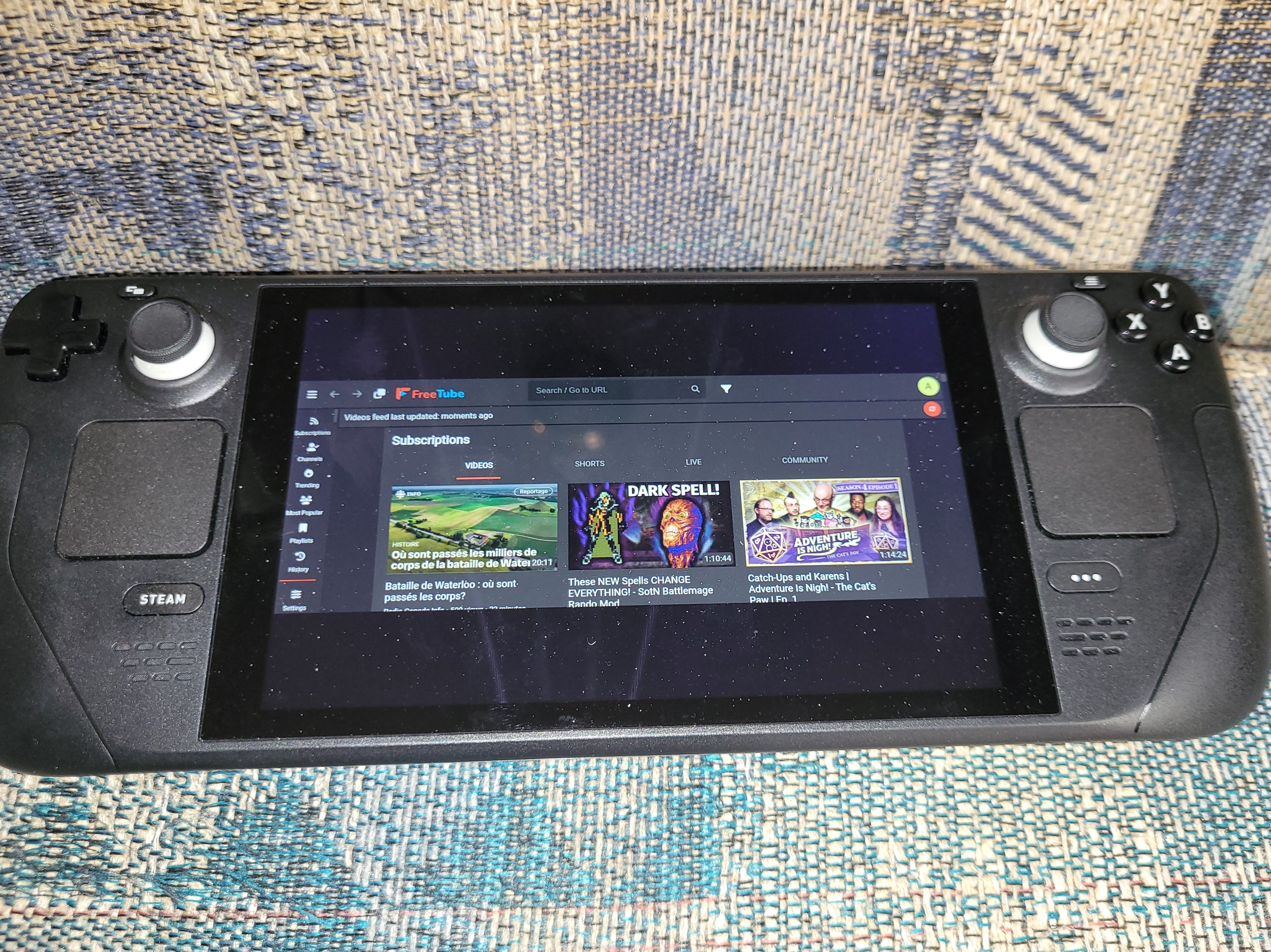
There is also a magnify feature you can try to have it zoom in, you can find this under Controller settings> bind some button > System > toggle magnifier
I did this for a diff app. And did a back paddle that I have to hold for 3 seconds
You can change how far you zoom in or out under the regular steamdeck settings > display > Advanced > magnifier scale